



Updated October 31, 2026 · 13 min read

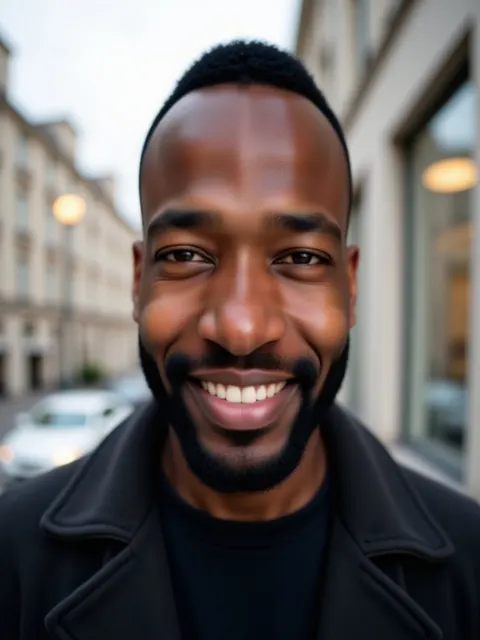
Your face is on your listings, your signs, your business cards and every agent profile you have. Fylvy turns a few phone selfies into 40 polished, professional headshots, so you can update your photo everywhere without booking a shoot between showings.
40 photos · $39 · usually within about an hour
Images on this page are illustrations made with AI, not customer results. Your results depend on the photos you upload.
The short answer
If you need a current, professional photo for your Zillow and Realtor.com profiles, your brokerage roster, your website, business cards and listing flyers, Fylvy gives you 40 to choose from for $39, usually within about an hour, with no appointment. If you want a photographer to direct you on location, shoot you with a specific listing or produce very large print files for a billboard, book a photographer. Many agents do both: AI headshots now, a shoot when the budget and calendar allow.
Why your headshot matters in real estate
Real estate is still a people business, and buyers and sellers are still choosing people. According to the National Association of Realtors' 2025 Profile of Home Buyers and Sellers, 88% of buyers purchased their home through a real estate agent or broker, and 91% of sellers sold with an agent's help. For-sale-by-owner sales fell to 5%, which NAR describes as an all-time low.
How do people choose that agent? NAR's 2025 Home Buyers and Sellers Generational Trends report found that 66% of sellers used an agent they were referred to or had worked with before. Even with a referral, most people look you up before they call. The same report found that the first step for 43% of buyers was looking online at properties, and that 86% of buyers used a real estate agent as an information source during their search. When someone searches your name, your photo is often the first thing they see.
That first look happens fast. A Princeton University study by Janine Willis and Alexander Todorov, published in Psychological Science, found that people form judgments about trustworthiness, competence and likeability from a face in just 100 milliseconds, and that more time mostly made them more confident rather than changing their minds. In a business built on trust, a dated, blurry or heavily cropped photo is working against you.
Zillow says so directly. In its guidance on Agent Finder profiles, Zillow advises agents to "invest in a professional headshot" and to "avoid using a team photo," noting that a high-quality photo that shows you individually could help drive more leads. It also suggests smiling with an inviting posture and not crossing your arms.
Where real estate agents use their headshot
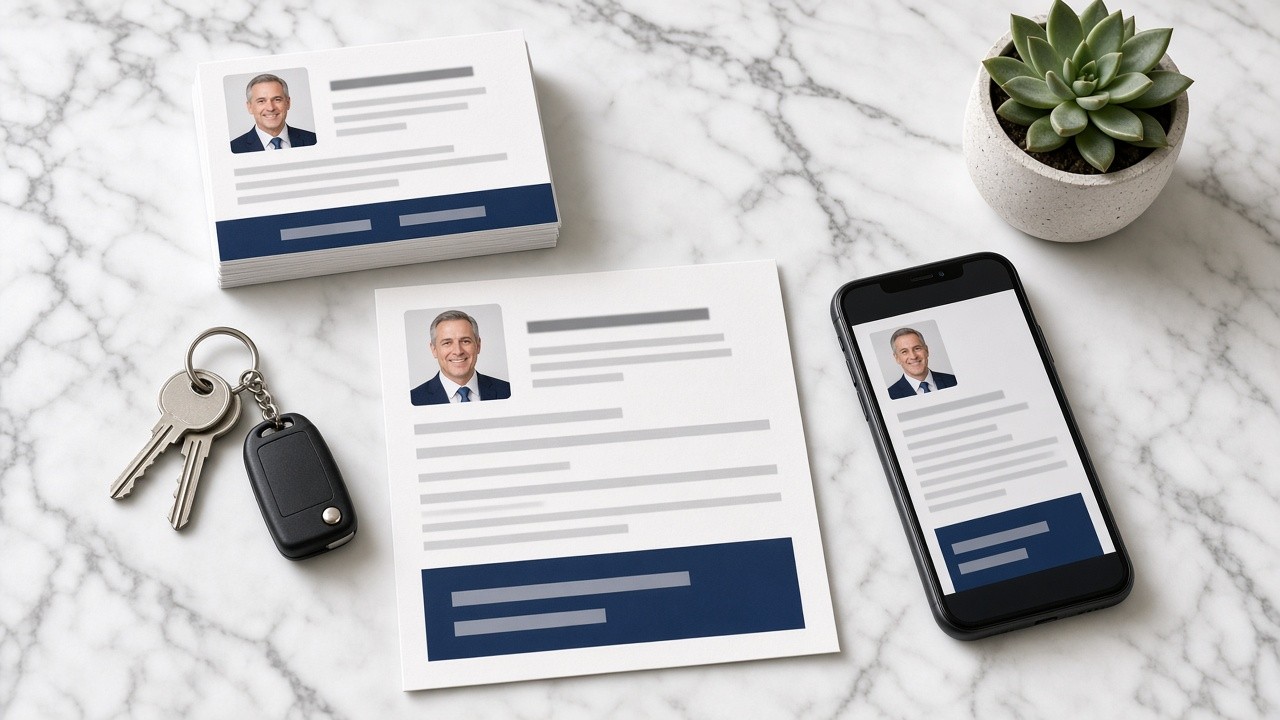
NAR's 2025 Generational Trends report asked sellers how their agent marketed their home. The top answers were the MLS website (86%), a yard sign (61%), an open house (58%), Realtor.com (49%), third-party aggregators (47%), the agent's own website (46%) and the real estate company's website (39%). Your headshot belongs in most of those places, but not all of them. Here's a practical rundown.
Your MLS member profile and brokerage roster. Most MLSs and brokerages show an agent photo next to your contact details. Brokerage requirements vary: many simply ask for a clear, current, professional photo, while some specify a background color, framing or attire so the roster looks consistent. Check your brokerage's brand guide or ask your office manager before you upload. With 10 looks, you'll usually have a match.
Not in your listing photos. This catches people out. Many MLSs ban agent photos in listing media. For example, the BSCMLS rulebook says brokerage names, logos, agent photos and contact information are not permitted in uploaded listing media. Stellar MLS rules say listing photos and virtual tours may not contain agent photos or logos. Bright MLS's image policy prohibits listing images that include identifiable people, whether real, animated or computer-generated, including listing agent images. Your headshot goes on your profile, not on the photos of the house. Check your own MLS's rules.
Zillow and Realtor.com. Your Zillow agent profile feeds Zillow's Agent Finder, so a clear, individual headshot matters there. Use the same photo on Realtor.com and any other portal you're on, so buyers recognize you from one site to the next.
Your website and social profiles. Your About page, Google Business Profile, Facebook, Instagram and LinkedIn should all match. The same face everywhere builds recognition.
Business cards, flyers and mailers. Fylvy headshots are 768 × 1024 pixel portraits, about 2.5 × 3.4 inches at 300 dpi, which is plenty for business cards, door hangers, postcards and listing flyers, where agent photos are usually small.
Yard signs and sign riders. Not every agent puts a photo on their sign, but if you do, choose a headshot with a clean, simple background and good contrast so it reads from the street. For large signs, banners or billboards, ask your printer what resolution they need first. A large-format job may call for a photographer's high-resolution file.
What a good realtor headshot looks like
The best agent headshots look friendly, competent and current. A few guidelines:
- Look like you do at a showing. Clients should recognize you in the driveway. Use a recent photo with your current hairstyle.
- Just you. Zillow specifically advises against team photos for your individual profile.
- Smile and stand open. Zillow suggests smiling with an inviting posture and not crossing your arms.
- Head and shoulders, face filling the frame. Portal photos are small, often circles or thumbnails.
- Dress for your market. A blazer works almost everywhere. Luxury agents often go more formal; agents in relaxed or rural markets often go more casual. Solid colors photograph better than busy patterns. See what to wear for a professional headshot.
- A simple background. A blurred outdoor or neighborhood setting looks local and welcoming; a plain studio background is safest for print and brokerage rosters. More in the best background for professional headshots.
How Fylvy works, in 3 steps
No app, no account, no appointment. You can do this between showings.
- Upload 8 to 20 selfies. Go to the start page, choose man, woman or person, and add 8 to 20 recent photos of just you. Phone selfies are perfect. Each photo is checked before you pay, so photos with no face, more than one person, a face that's too small, or that are very blurry or very dark aren't counted. Then tick two consent boxes.
- Pay $39 once on Stripe's checkout. We never see your card number. There's no subscription.
- Get 40 headshots by email. Our AI learns your face and creates 40 headshots, 4 in each of 10 looks, usually within about an hour. We email you a private link. Download single photos or use "Download all." Your link works for at least 30 days, and Find my photos resends it if you lose it.
If the photos don't look like you, request one free redo from your results page within 7 days of purchase. If we can't create your headshots, you're refunded automatically.
The 10 looks, and which ones suit real estate
Every order includes all 10 looks, 4 photos each:
| Look | Best use for agents |
|---|---|
| Outdoor | Zillow and Realtor.com profiles, social media. Warm, local and approachable |
| City street | Urban and condo specialists, downtown markets, social media |
| Modern office | Brokerage roster, website About page, commercial real estate |
| Classic gray studio | Business cards, signs, flyers and rosters that want a plain background |
| Bright white studio | Print pieces with white layouts; easy to cut out for design work |
| Dark executive | Luxury marketing, team leaders, brokers and owners |
| Creative casual | Instagram and more relaxed markets |
| Tech startup | Less common for agents; can work for a casual social profile |
| Library | Less common for agents; can suit a relaxed, warm bio |
| Medical | Not suited to real estate marketing |
Our top picks for most agents are outdoor, city street, modern office and classic gray studio. A practical setup: one outdoor or city street photo for your online profiles and social media, and one plain studio photo for print and your brokerage roster. Keep the same outfit and expression across both so they read as the same person.
Selfie tips for the best results

The quality of your selfies matters more than anything else.
- Find soft, even light. Face a window, or step outside into open shade. Avoid harsh midday sun and overhead lights.
- Upload 8 to 20 recent photos of only you. No team photos, no client photos, no family photos.
- Mix your angles. Mostly straight-on, plus a few slightly turned to each side.
- Vary outfits and backgrounds. Shoot in a couple of rooms, or a few at home and a few outside the office.
- Keep your face clear. No hats, sunglasses, masks or hands over your face. Clear everyday glasses are fine. If you wear a religious or medical head covering, note it on the upload page.
- No filters or beauty modes. The AI copies what it sees.
- A car selfie can work if you're parked in the shade and the light is even. Avoid shots where the window behind you is much brighter than your face.
The full guide is here: how to take selfies for AI headshots.
What it costs: Fylvy vs a photographer
| Option | What you get | Typical price |
|---|---|---|
| Professional headshot photographer (Thumbtack national data) | One session; images and retouching vary | Average $304; typical range $216–$427 |
| Professional headshot, by type (Thumbtack) | One session | Average $207 |
| Headshot photographer by the hour (Bark price guide) | Session time | $100–$230 per hour; average $150 |
| National portrait studio chain (JCPenney Portraits) | Session, then images bought separately | $14.99 session + $59.99 for one digital image, $79.99 for three, $184.99 for the full digital album |
| Fylvy | 40 AI headshots in 10 looks, one free redo | $39 once |
Prices from Thumbtack (last updated October 28, 2026), Bark's headshot photography price guide and JCPenney Portraits' business headshot page, all checked October 31, 2026. Prices vary by city and package.
For agents, the time matters as much as the money. A shoot means scheduling around showings, getting there and waiting for edits. With Fylvy you take selfies when you have a spare ten minutes, and your photos usually arrive within about an hour. If you get a new haircut or join a new brokerage with different photo rules, a fresh set is just another $39 order, with no rebooking a shoot.
When should you still hire a photographer? When you want a shoot on location at a listing or landmark, direction from a professional, a large team shot, or high-resolution files for a billboard or big sign. More on that trade-off in AI headshots vs a professional photographer and are AI headshots worth it?.
For teams and brokerages
Want matching headshots for a whole team or office? See Fylvy for teams. Comparing AI headshot services? Our sourced, honest comparisons are at Fylvy vs HeadshotPro, Fylvy vs Aragon, Fylvy vs BetterPic and all comparisons. Working with lenders? We also have a page for mortgage loan officers.
Privacy and payment
The full details are in our Privacy Policy. In short:
- Your selfies are used only to make your headshots. We never sell them or use them to train other AI.
- They're deleted automatically once your headshots are created, usually within an hour and no later than 7 days.
- The private AI model of your face is used only for your order and its redo, deleted on request, and never kept longer than 1 year.
- Ask us to delete your data any time at support@fylvy.com.
- Payments are handled by Stripe. We never see your card number.
- You own your headshots and can use them commercially, including in print: cards, signs, flyers, mailers and ads.
You can only upload photos of yourself, or of another adult who has given you permission.
Frequently asked questions
Can I use an AI headshot on my MLS profile or brokerage roster?
Rules vary by MLS and brokerage, and we haven't found a NAR rule specific to headshots. Many brokerages simply ask for a clear, current, professional photo; some specify a background color or framing. Check your brokerage's guidelines, then pick the look that matches.
Can I put my headshot in my listing photos?
Usually not. Many MLSs, including BSCMLS, Stellar MLS and Bright MLS, prohibit agent photos in listing media. Use your headshot on your profile, website and marketing materials instead.
Is the quality good enough for business cards and signs?
Each headshot is 768 × 1024 pixels, about 2.5 × 3.4 inches at 300 dpi. That's plenty for business cards, flyers and postcards. For large signs, banners or billboards, ask your printer what resolution they need.
Can I use the photos commercially, in ads and print?
Yes. You own your headshots and can use them commercially, including in print.
Which look is best for Zillow?
Outdoor or city street for a warm, approachable profile, or modern office for a polished one. Zillow recommends a photo of just you, smiling, with an inviting posture.
How long does it take?
Usually within about an hour. We email you a link as soon as your photos are ready.
Will they look like me?
Most people get many photos they love, but AI isn't perfect, which is why you get 40 to choose from. Pick the ones a client would recognize in person. If they don't look like you, request one free redo within 7 days.
Do I need an account or a subscription?
No. Upload, pay $39 once and get your photos by email.
What if none of the photos are usable?
If we can't create your headshots, you're refunded automatically. If none are usable, email us within 7 days for a refund, unless your redo photos have already been delivered. See our Refund Policy and FAQ.
Can I use them for my real estate license photo?
No. AI headshots aren't suitable for licenses, passports, IDs or other official documents.
Update your photo everywhere this week
A current, professional headshot on your MLS profile, Zillow, Realtor.com, website and business cards is one of the cheapest upgrades in your marketing. Take a few selfies in good light, upload them, and pick your favorites from 40 headshots in 10 looks.
40 photos in 10 looks for $39. Usually within about an hour.
Sources: National Association of Realtors, 2025 Profile of Home Buyers and Sellers highlights; NAR, 2025 Home Buyers and Sellers Generational Trends report; Princeton University, "Snap judgments decide a face's character, psychologist finds," August 22, 2006; Zillow Premier Agent, Agent Finder guidance, June 21, 2024; BSCMLS rulebook, Section 7; Stellar MLS Rules, Article 04.05; Bright MLS Policy on Images and Documents, February 28, 2024; Thumbtack; Bark; JCPenney Portraits. All checked October 31, 2026. Fylvy details are from fylvy.com, its FAQ and Privacy Policy.