
Updated November 7, 2026 · 6 min read
An individual order costs $39 one time for 40 images in 10 looks. Upload 8–20 selfies. Images are 768 × 1024 pixels and usually arrive in about an hour, though timing is not guaranteed.
Fylvy is for adults 18 and over. Do not upload photos of anyone under 18; see the terms.
Map the image to its destination
You do not need a different persona for each profile. Start with an image that looks like you today, then make crop copies where the presentation calls for them.
| Destination | Decision to make | Version to keep |
|---|---|---|
| Personal portfolio | Preview beside your biography and work on a large screen and a phone. | Original portrait and the crop used on the page. |
| Project or community profile | Check the project's current image and AI policies; preview its avatar crop. | A labeled avatar copy and the original. |
| Employer directory | Ask for current guidance on AI images, background, crop and review. | The candidate submitted to the page owner and any accepted crop. |
| Conference profile | Ask the organizer about image policy, dimensions and intended display. | The exact file sent and a note of its destination. |
Check each destination's current rules, including any disclosure instructions. An image permitted on your own site is not automatically accepted by an employer, project or event.
Do not use an AI-generated image where a genuine, unaltered photograph is required, including an official ID or credential.
Build a small version map
Once you have results, turn a candidate into a manageable set of files:
- Review likeness at a comfortable size. Compare facial features, skin tone, hair and glasses with your current appearance. Set aside images that noticeably change them.
- Inspect the details. Check eyes, teeth, glasses, collars, hands if visible, and any text or objects in the background. Reject invented logos or details that imply a role or affiliation you do not have.
- Keep the original output. Save the full portrait before making edits. Its dimensions are 768 × 1024 pixels.
- Make separate crop copies. Try the actual avatar frame and the portfolio layout. Keep your face visible and check for awkward cuts around hair and shoulders.
- Label the copies clearly. For example, identify the destination and crop in your own filenames. Record which file you sent and when, so a later update does not leave you guessing.
- Preview the result in context. Review the uploaded preview if the destination offers one. If the crop or image policy does not work, use a suitable camera-captured photograph instead.
A crop does not add detail to the original file. For print or a larger display, give the recipient the original dimensions and ask whether the file meets the project's needs.
Choose a look without assuming the result
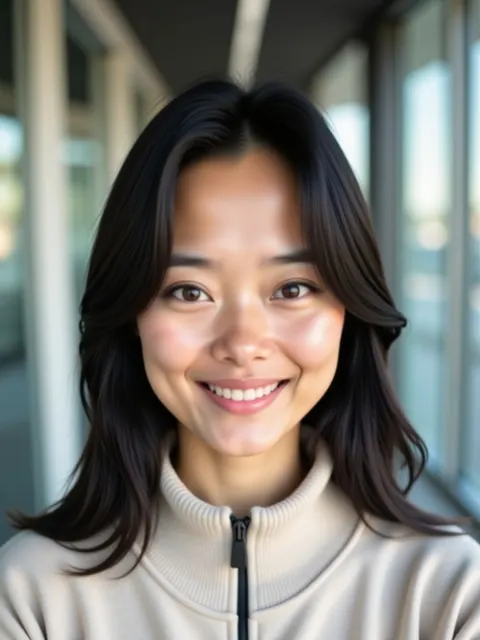
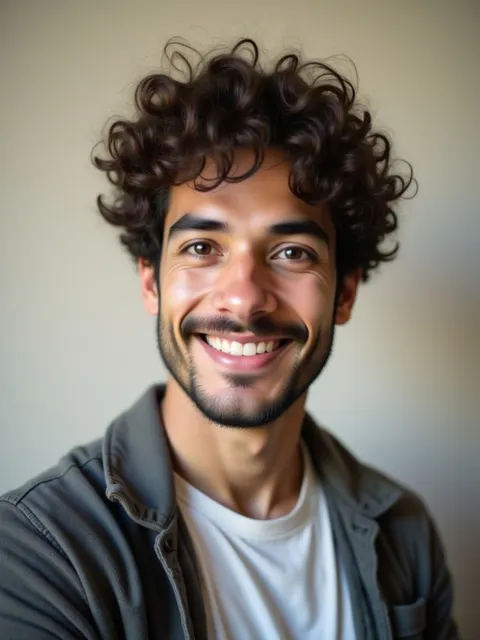
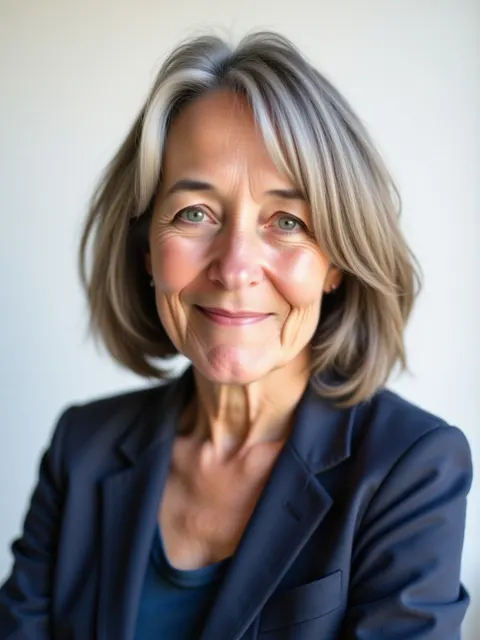
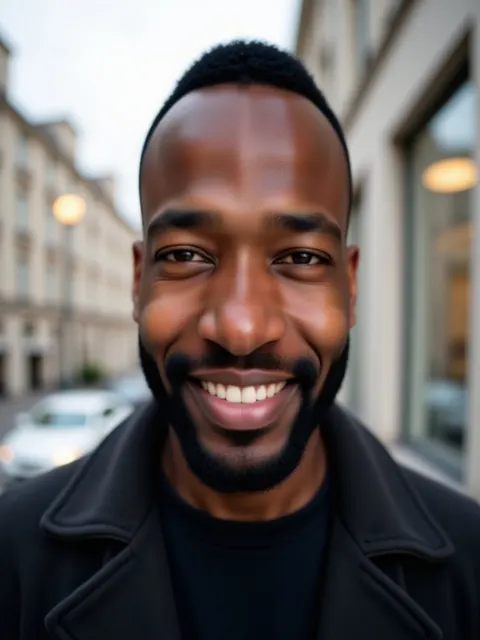
The current page identifies Tech startup, Creative casual, Bright white studio and City street among Fylvy's looks. They offer different starting points; no particular outfit, exact background or final likeness is guaranteed. A generated office or street scene is not a photograph of a real workplace or location.
Choose the candidate that represents you and fits the actual destination. You can use a casual image on one page and a different accurate image elsewhere if that works better; there is no requirement to use the same image everywhere.
Prepare source photos
Choose 8–20 recent photos of yourself. Use even light, keep your face in frame and include forward-facing images with a few modest changes of angle and expression. Replace blurry, dark, heavily filtered or group images. If you normally wear glasses, check that glare does not hide your eyes.
For religious or medical head coverings, keep your face visible and select the relevant checkbox on the upload page. The automatic check can still reject an image; try another clear photo or contact support if needed.
The selfie guide has a practical shot plan. Clear inputs help you prepare, but AI can still change features and clothing. Review the actual output before using it.
Frequently asked questions
Can I use an AI headshot on a project or employer profile?
Check that project's or employer's current policy and any review or disclosure instructions. Acceptance is not guaranteed.
Should every profile use the same crop?
Not necessarily. Keep an original and make labeled copies for the actual layouts. Choose versions that accurately represent you.
Is the file suitable for a conference banner?
The output is 768 × 1024 pixels. Ask the organizer or designer whether that meets the intended display or print specifications.
What if the images do not look like me?
Each paid order includes one redo, requestable from your results page within 7 days of purchase if the headshots do not look like you. It uses the same model and looks. See the refund policy, including how a delivered redo affects refund eligibility.
When should I choose a photographer?
Choose a photographer when the recipient requires a real photograph, when you need a genuine workplace setting or controlled composition, or when a designer needs files suited to a larger print project.
Read the privacy policy and terms first. Adults 18+ only.