
Updated November 7, 2026 · 7 min read
An individual order costs $39 USD one time for 40 images in 10 looks. Upload 8–20 selfies. The images are 768 × 1024 pixels and are usually ready in about an hour; delivery timing is not guaranteed.
You must be at least 18. Upload your own photos, or photos of another adult only with their permission, and make sure you have the rights to use them. See the terms.
Start with the page and its owner
List each leadership or board page where you want the image to appear. Identify the person responsible for that particular page: it might be you, a communications colleague, an organization's web editor or another designated owner.
Ask that person for the current image guidance, including whether the page permits AI-generated portraits and whether disclosure or review is requested. Ask to see the actual placement, including the crop and surrounding biography. A file that works on one page is not automatically accepted on another.
If a destination requires a camera-captured photograph, a precise setting or a larger file, use a suitable photograph or discuss the requirements with a photographer. AI-generated images are not suitable for official IDs or other uses requiring a genuine, unaltered photograph.
Use a leadership biography handoff ledger
Copy one row for each page. Fill it with the information confirmed for that placement, and leave anything uncertain open until the page owner answers.
| Field | Record for the actual placement |
|---|---|
| Page and owner | Organization, page URL or planned location, page owner and contact |
| Current identity | Exact name, current title and organization as they should appear |
| Biography | Approved biography text or version identifier and the person who approved it |
| Portrait | Selected original filename and any separately labeled crop |
| Handoff | File and biography version sent, recipient, date and intended placement |
| Review | Page owner's requirements, requested changes and approval when relevant |
| Proof | Link or screenshot of the proposed page, date checked and remaining corrections |
| Follow-up | Published location and the person responsible for future updates |
The portrait does not establish a board seat, title or affiliation. Confirm those facts independently and use the biography version approved by the actual page owner when that page has an approval process. Ask for a proof of the image and text together before publication where practical.
Review the portrait beside the biography
- Check current likeness. Compare the face, skin tone, hair, facial hair and glasses with your current appearance. Set aside images that noticeably change them.
- Inspect generated details. Look closely at eyes, teeth, ears, jewelry, clothing and any visible hands. Check for distorted features, invented badges, logos, lettering or symbols.
- Read the scene honestly. A generated office, library or other setting is not evidence of an actual workplace, organization or role. Reject anything that suggests an affiliation you do not have.
- Preview the page. Check the image next to the exact name, title, organization and approved biography. Review the actual crop at its displayed size.
- Record the handoff. Send the selected file and correct biography version to the page owner. Note the date and ask for a proof so you can check both image and text.
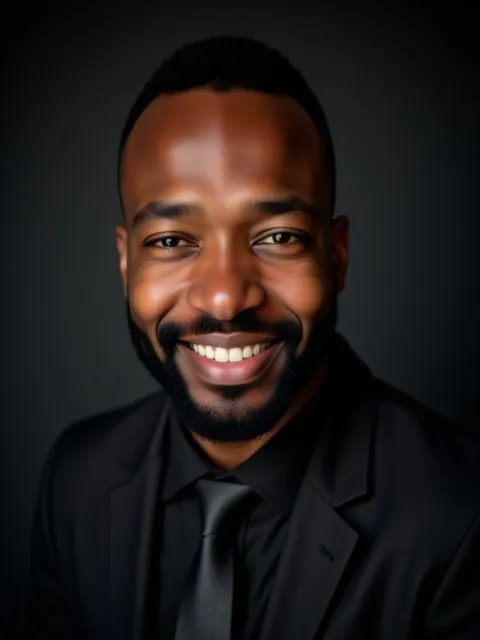
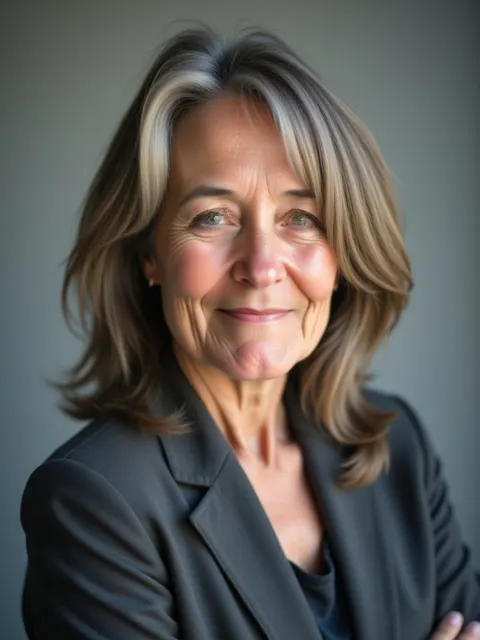
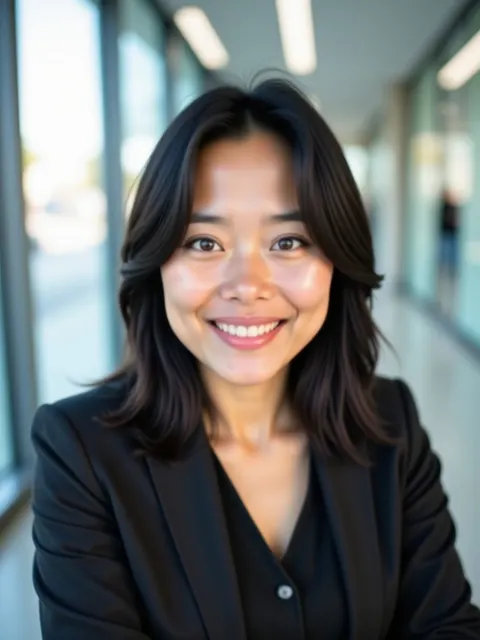
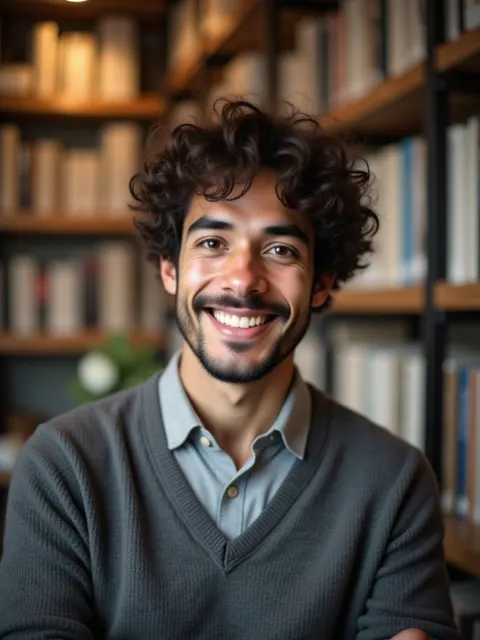
Fylvy's included looks include Dark executive, Classic gray studio, Modern office and Warm library. They are starting points for review. A particular outfit, custom background or exact likeness is not guaranteed.
Keep the ledger current
When your title or organization changes, revisit each row. Confirm which pages need new text, who owns them and whether the portrait still reflects your appearance. Send the updated biography version to each relevant owner, request a proof and record the date and outcome.
If a board role ends or changes, ask the responsible page owner to correct the relevant biography. An existing portrait, including a camera photograph, does not by itself prove current board membership or credentials.
Prepare your selfies
Choose 8–20 clear, recent photos showing only the adult subject. Use even light, keep the face visible and favor a consistent current appearance. Include several forward-facing images and modest variations in angle and expression. Replace group photos, heavy filters, blur and deep shadows. If you wear clear everyday glasses, choose images where glare does not hide your eyes.
If you wear a head covering for religious or medical reasons, keep your face visible and select the relevant option on the upload page. Review the generated results; retention of any accessory or covering is not guaranteed. The selfie guide explains preparation and the upload check.
Frequently asked questions
Can I use an AI portrait on a board page?
Check the page owner's current policy and any disclosure or review instructions. Confirm the biography and role independently; acceptance of the image is not guaranteed.
Is the image suitable for print?
Each file is 768 × 1024 pixels. Give the designer those dimensions and ask whether they meet the actual print requirements.
What if the images do not look like me?
Each paid order includes one redo, requested from your results page within 7 days of purchase if the headshots do not look like you. It uses the same face model and looks; it is not a style change. A delivered redo ends refund eligibility. Read the refund policy for the conditions.
What happens to my selfies?
They are deleted automatically after your headshots are created. The privacy policy separately explains the face model, generated results and deletion requests.
Review the intended page's requirements, then upload 8–20 selfies for 40 AI images in 10 looks for $39 USD one time. Results are usually ready in about an hour, without a guaranteed deadline.