
Updated November 7, 2026 · 6 min read
An individual order is $39 once for 40 images in 10 looks. Upload 8–20 selfies. Results are usually ready in about an hour, though delivery time is not guaranteed. Images are 768 × 1024 pixels.
Make a brief before selecting a photo
Start with the firm biography or other page where the image matters most. Ask the person who manages it for the current guidance: whether AI images are allowed, the preferred crop, any clothing or background direction, and who signs off on the final image.
Then make a short destination list:
| Destination | What to review |
|---|---|
| Firm biography | Compare the crop and presentation with the page design; check internal guidance. |
| Professional directory | Read that directory's own image policy and submission instructions. |
| Speaker biography | Ask the organizer about acceptable images, dimensions and print use. |
| Personal website | Preview the portrait beside your biography and on a phone-sized screen. |
Check each destination's policy before uploading. Directory rules should not be assumed from the practices of another organization.
AI-generated images are unsuitable for IDs and credentials. Use the issuing body's prescribed photograph for an identity card, license or other official document.
A practical review workflow
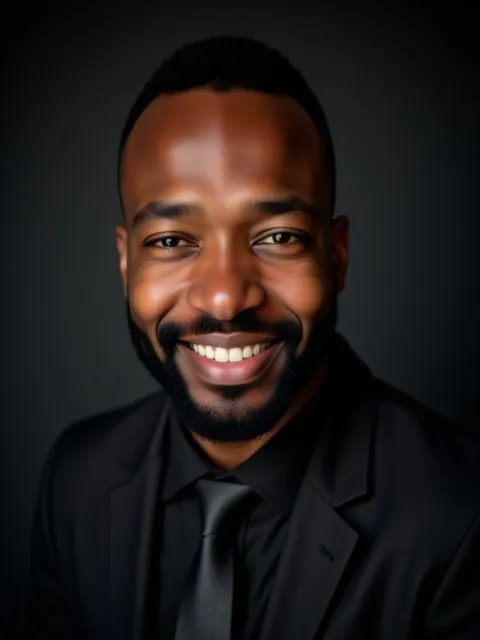
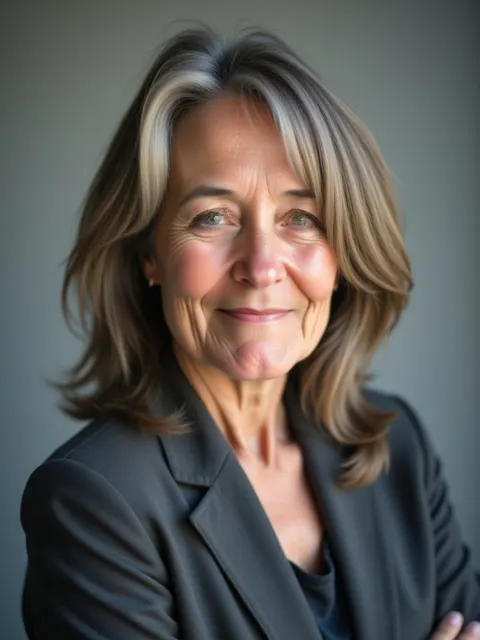
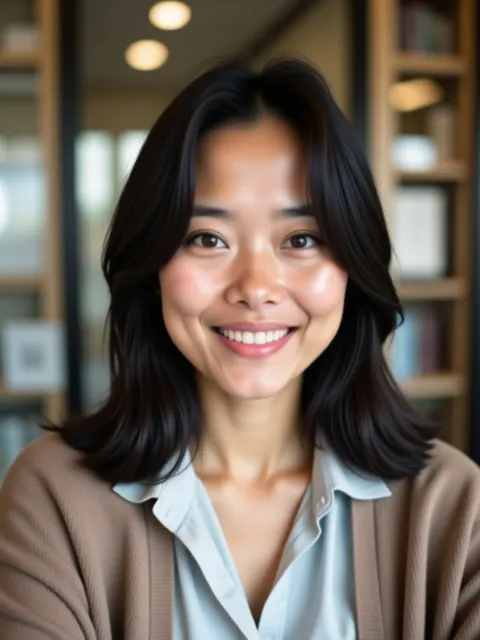
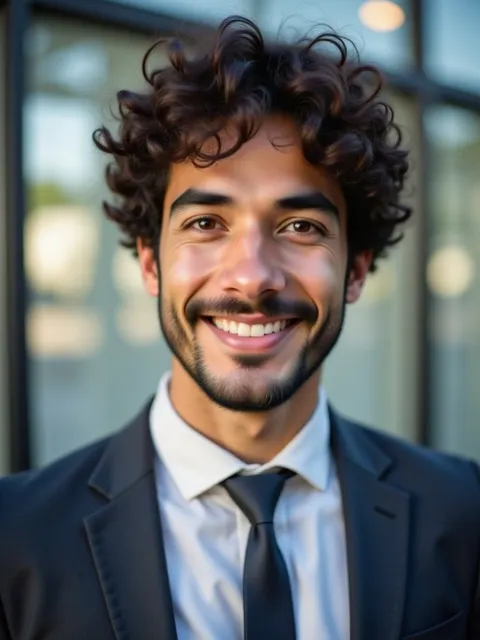
The current range includes gray studio, dark executive, library and office looks. These are starting points, not a promise that any result will match a firm's exact background or wardrobe.
- Select for likeness. Compare each candidate with your current face, hair, skin tone and glasses. If a colleague would hesitate to recognize you at a meeting, set it aside.
- Inspect clothing and details. Look for distorted lapels, collars, jewelry, glasses and any invented text or symbols. Do not assume a particular suit or outfit will appear correctly.
- Preview the firm crop. Place a copy in the page layout or ask the web team for a preview. Make sure the face remains clear in a small thumbnail and the head is not cut off.
- Compare the surrounding page. A plain image may fit a traditional biography, while an office or library look may suit another setting. Choose according to the actual page, not a rule about how lawyers must dress.
- Get the appropriate review. Send the candidate and destination list to the person responsible for the firm's image guidance. Keep an alternative ready if the first image is unsuitable.
If several lawyers need portraits, review them together. The same look can still produce differences in background, lighting, clothing and framing; it does not promise a matching team page. For team ordering, see AI headshots for teams.
Prepare useful source photos
Upload 8–20 recent, clear photos of yourself. Face a window or another source of even light, include several forward-facing images and a few slight changes of angle, and keep your face in frame. Replace group shots, face-altering filters, heavy shadows and photos that no longer reflect your appearance.
Glasses can make you recognizable, so inspect both the source images and the results for glare or altered frames. The selfie guide provides a practical photo plan.
After delivery, review the actual results rather than assuming the source photos guarantee a likeness. Each paid order includes one redo, requestable from your results page within 7 days of purchase if the headshots don't look like you; see the refund policy.
Common errors
- Selecting a dramatic background before checking whether your face looks like you.
- Assuming a generated jacket, badge or other detail is accurate.
- Sending an organizer a file without checking the required dimensions or policy.
- Using a tightly cropped thumbnail as the only version you keep.
- Treating a professional-directory portrait as an acceptable credential or identity photo.
When to book a photographer
A photographer is preferable when your firm requires a real photograph, a precisely controlled backdrop or coordinated portraits with other people. Book one when you need direction in person, a genuine office setting or files for a print project whose specifications exceed the available output. Provide the intended uses and dimensions before the session. For a related page, see AI headshots for your company profile.
Frequently asked questions
Will a bar or legal directory accept an AI portrait?
Policies vary. Check the specific destination's current rules before using one.
Can I specify a custom firm background or outfit?
Fylvy includes 10 looks; a custom background or specific outfit is not promised. Review what is generated against your firm's guidance.
How quickly will the images arrive?
Usually in about an hour, but timing is not guaranteed. Leave time for review.
Where are the policies?
Read privacy, terms and the refund policy.
$39 once for 40 images in 10 looks, from 8–20 selfies. Review the terms, privacy policy and refund policy first.