
Updated November 7, 2026 · 6 min read
An individual order costs $39 once for 40 images in 10 looks. Upload 8–20 selfies. Results are usually ready in about an hour, but timing is not guaranteed. Each image measures 768 × 1024 pixels.
Plan the jobs your photo needs to do
Before ordering, write down where you intend to use the image. An About page might display a tall portrait, while a podcast page may crop it to a small square. A designer preparing a printed program may need different dimensions.
For each destination, check its policy on AI-generated images, any disclosure or submission instructions, and the required dimensions. If someone else manages your website or event listing, ask them for a preview. An image that looks good on your phone can feel very different beside a page headline or inside a small circle.
You do not need to use a portrait everywhere. Choose placements where it helps readers understand who is behind the business, and keep the surrounding biography accurate and useful.
AI-generated images are unsuitable for IDs and credentials. Follow the issuing organization's instructions for official identity documents.
Make an owner's portrait kit
Use this checklist to turn a set of generated images into a manageable selection:
- Choose a primary portrait. Pick the image that most closely resembles your current appearance, including hair, facial features and glasses.
- Check the context. Preview it next to your business name and biography. Make sure generated clothing or surroundings do not imply an affiliation, workplace or role you do not have.
- Test two crops. Try the full portrait for your website and a square or circular crop for a small profile. Keep the face visible without an awkward cut.
- Save one alternative. A second image can suit a different setting, but it should still look recognizably like you.
- Record where each version goes. Note the page or organizer, chosen image and any crop. This makes a later refresh easier.
- Ask before submitting. Confirm the destination permits AI-generated images and that the file meets its requirements.
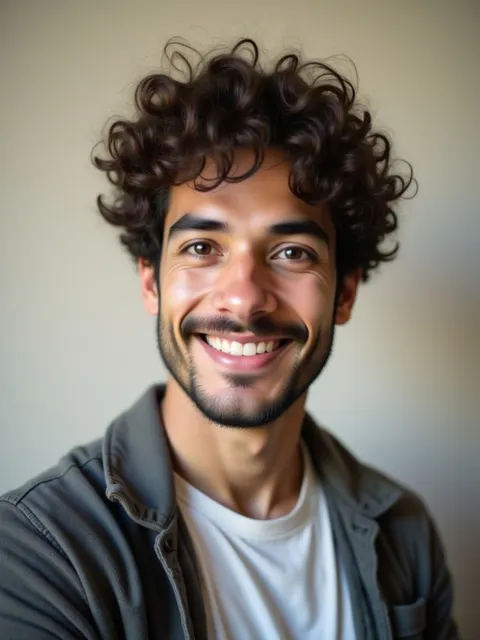
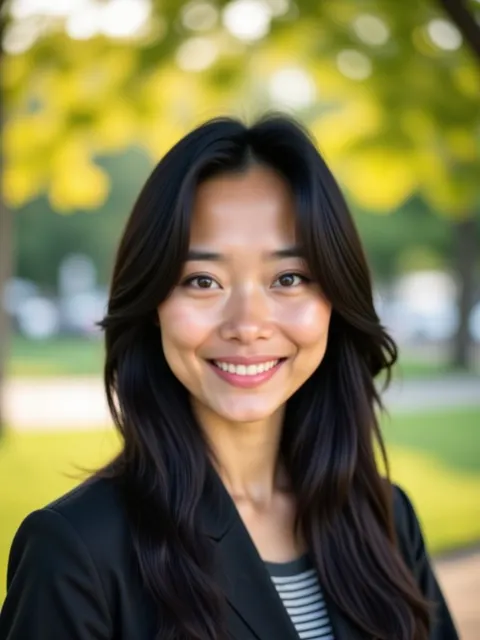
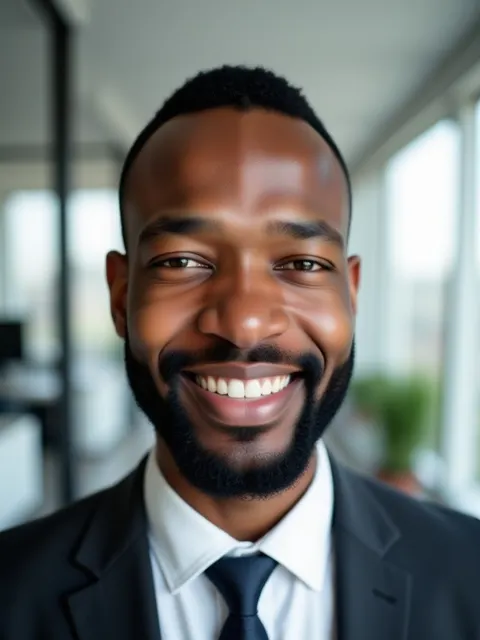
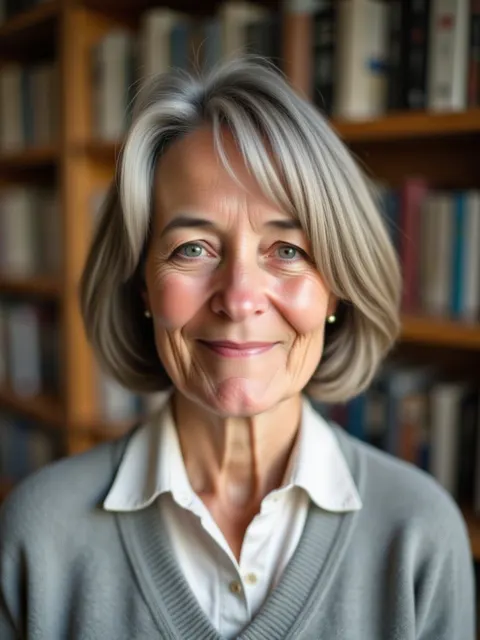
The included creative casual, outdoor, office and studio looks offer different starting points. Choose based on the business and the page; there is no universal rule that a particular industry requires a suit or a casual outfit. A generated office or outdoor scene should not be presented as a photograph of your actual premises.
Take and review your selfies
Choose 8–20 recent photos of yourself in good, even light. Include forward-facing shots and a few slight changes of angle. Keep your face clear, and replace blurred, dark, heavily filtered or group images. The selfie guide has a practical shot plan.
When the results arrive, inspect more than the overall impression. AI can change facial features, hair, glasses, clothing and details in the background. Discard any result that misrepresents you or your business, even if the colors fit your website.
Each paid order includes one redo, requestable from your results page within 7 days of purchase if the headshots don't look like you; see the refund policy.
Avoid these common mistakes
- Choosing only for brand colors. A recognizable likeness matters more than a convenient background.
- Using a fictional scene as proof of a location. A generated office or storefront is not a record of your premises.
- Promising a guest image before checking the request. Ask the organizer about AI-image policy, dimensions and print plans.
- Reusing an old portrait after your appearance changes. Review your profile images when you update your biography.
- Assuming a file is right for a large print job. Give the designer the 768 × 1024 dimensions before production.
When to hire a photographer
A photographer is the better choice when you need actual images of your shop, team, products or working environment. Choose one for personal direction, a controlled brand shoot, a camera-captured likeness or larger files that meet a printer's specifications. You can prepare a shot list that covers both your portrait and the business itself. If you also give talks, see AI headshots for coaches, consultants and speakers.
Frequently asked questions
Can I use a headshot in marketing?
Check the intended use against Fylvy's terms and the destination's policy. The recipient may have its own rules for AI images.
Can I order for a team?
See Fylvy for teams for the team process and pricing details. A shared look does not guarantee matching backgrounds or framing.
Will every image look like me?
No. Review each candidate and use only one that represents you accurately.
How long does it take?
Usually about an hour, but delivery is not guaranteed.
Where are the policies?
Read privacy, terms and the refund policy.
$39 once for 40 images in 10 looks, from 8–20 selfies. Review the terms, privacy policy and refund policy first.