
AI headshots for your LinkedIn profile
Your profile photo is the first thing recruiters and clients see. Fylvy turns a few phone selfies into 40 polished, professional headshots, so your profile looks current and credible without booking a photographer.
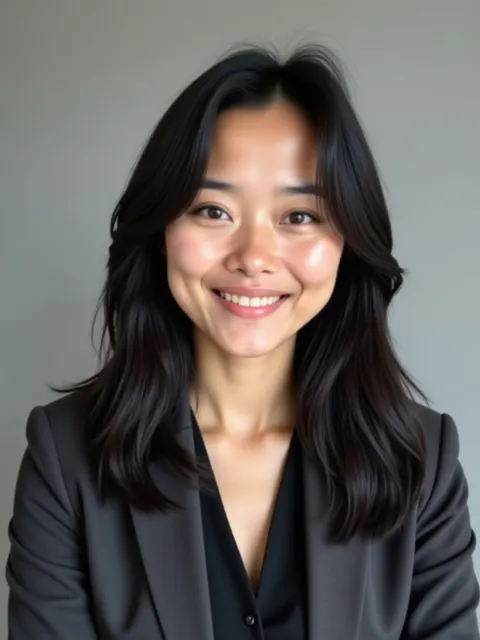
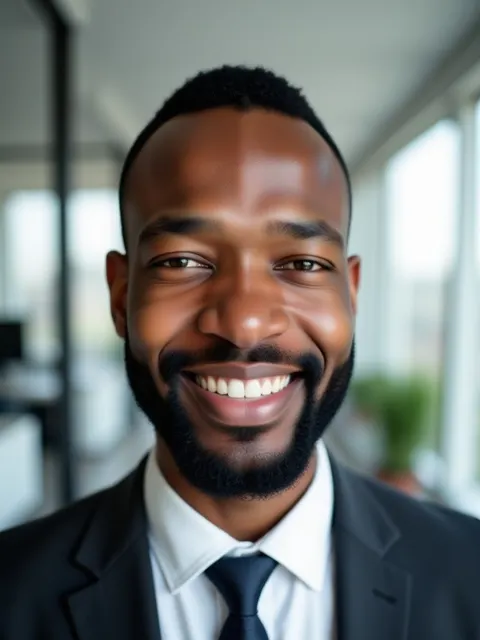
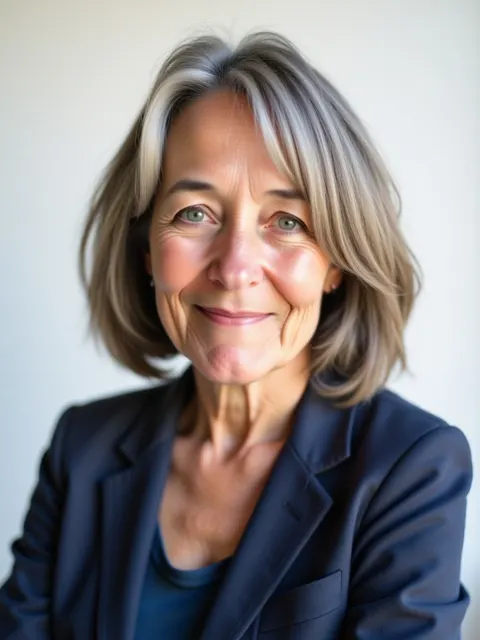
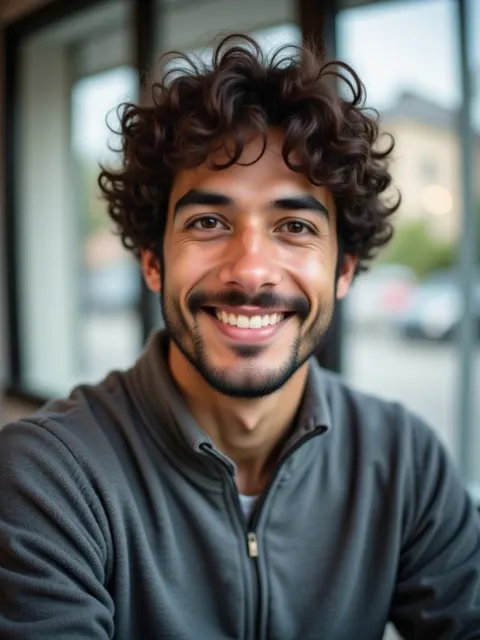
Example results made by our AI from sample selfies. Your results depend on the photos you upload.
Why it works for you
Look current
An old or cropped vacation photo can make an otherwise strong profile look out of date. A clean, recent headshot fixes that in minutes.
Simple backgrounds work best
Small profile circles favor plain or softly blurred backgrounds. Our gray and white studio looks are made for exactly that.
Choose from 40
Pick the expression and style that fits your field, from formal suit and tie to relaxed smart casual.
Best looks to choose
- Classic gray studio
- Bright white studio
- Modern office
- Tech startup
Every order includes all 10 looks, so you can try them all.
Tips for great results
- Use a photo where your face fills most of the frame. Head and shoulders is ideal for the small profile circle.
- Match the look to your industry: suit for finance and law, smart casual for tech and creative roles.
- Use the same headshot across LinkedIn, your email signature and your company page so people recognize you.
New to this? Read how to take selfies for AI headshots.
Questions
Is it okay to use an AI headshot on LinkedIn?
Many people do. Choose a photo that genuinely looks like you today, so people recognize you when they meet you.
What size should a LinkedIn profile photo be?
LinkedIn displays it as a small circle, so a square crop around your head and shoulders works best. Our high-resolution images crop cleanly.
More answers in our FAQ.
Get your headshots today
40 photos in 10 looks for $39. Ready in about 30 minutes.