
Updated November 7, 2026 · 6 min read
An individual order is $39 once for 40 images in 10 looks. Upload 8–20 selfies. Results are usually ready in about an hour, but timing is not guaranteed. Each image is 768 × 1024 pixels.
Build a speaker and client-facing photo kit
A useful kit is a small, reviewed selection with clear instructions for where each image belongs. Start with this workflow:
- List the destinations. Include your website biography, booking profile, event page, slide introduction and any printed program you expect to use.
- Ask about image policy. Check whether each platform or organizer permits AI-generated portraits and whether it has disclosure or submission instructions.
- Request the specification. Ask the organizer for the required dimensions, crop and intended use. If a designer is making a banner or program, share the 768 × 1024 dimensions before committing to the image.
- Pick a primary portrait. Choose one that looks like you today. A client or audience member should recognize you when you appear on a call or walk onstage.
- Prepare an alternative. Save a second accurate image if a different expression or crop suits another use. Do not assume the alternate will meet a destination's requirements.
- Label and track. Give the selected files clear names, note which version you sent and keep the original output alongside any cropped copies.
- Preview before delivery. View the crop at the size it will appear and inspect it for altered features or distracting artifacts.
Do not use an AI-generated portrait for an ID or credential. Follow the issuing organization's instructions for official identity documents.
Choose a look for the actual assignment
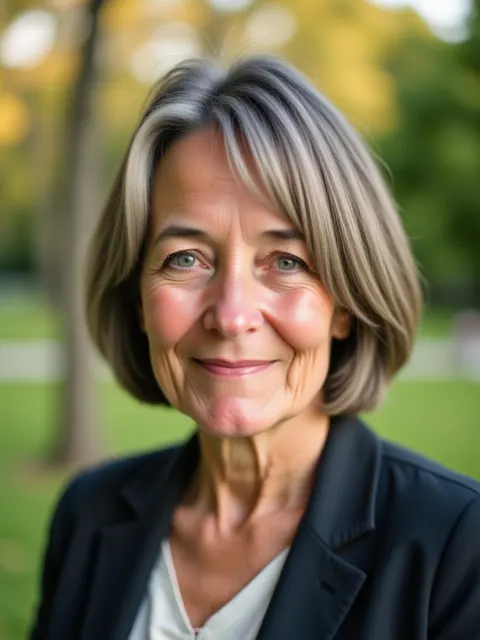
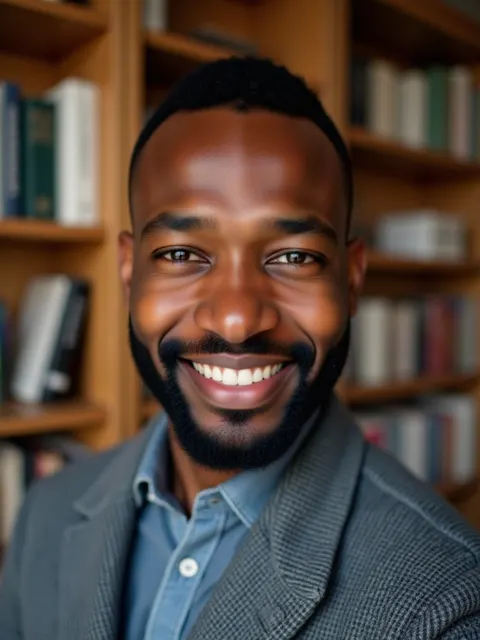
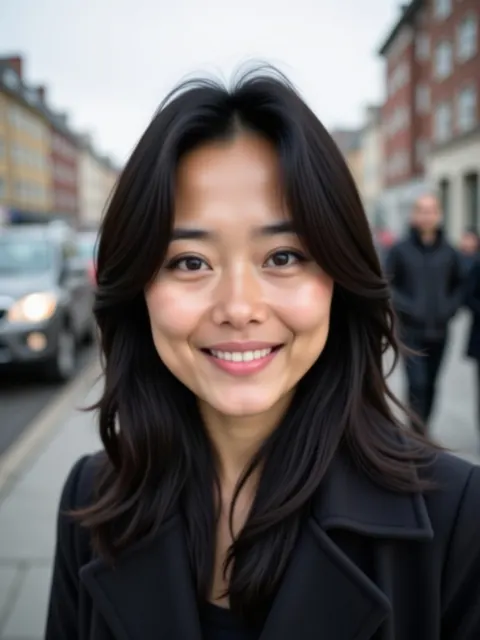
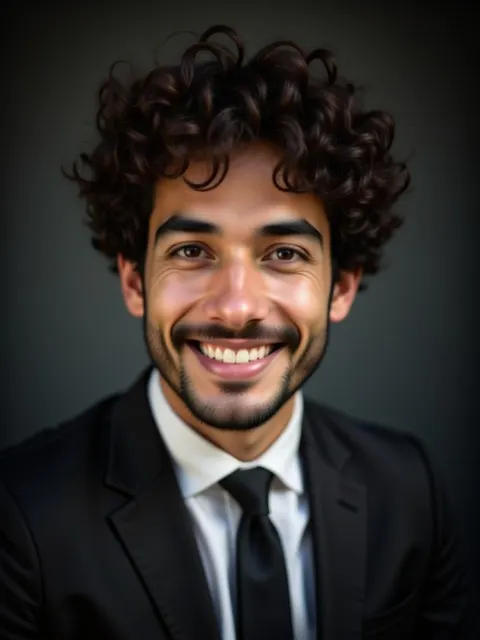
The available looks include outdoor, library, city street and dark executive, as well as other options. A simple background can work well behind a small event thumbnail; a different setting may suit a website biography. Treat those as choices to review, not rules that coaches must look casual or consultants must look formal.
Check whether the image suggests a place or affiliation that is not real. A generated bookshelf or office is a visual background, not evidence that the photo was taken in your practice or workplace. Inspect clothing, jewelry, glasses and any text or symbols for distortions.
When a host requests a photo, send the version that fits the agreed use and ask for a proof if their layout changes the crop substantially. Do not promise a file format or resolution beyond the information you have confirmed.
Take the selfies and assess the results
Choose 8–20 recent photos showing only you. Use even light, keep your whole face in frame, and include several forward-facing views plus slight changes of angle. Replace blurred, very dark, heavily filtered or group photos. If glasses are part of your usual appearance, use clear source photos without obstructive glare.
The selfie guide offers a shot plan. Once the results arrive, inspect each candidate at full viewing size as well as in a thumbnail. AI may change facial features, hair, clothing or surroundings.
Each paid order includes one redo, requestable from your results page within 7 days of purchase if the headshots don't look like you; see the refund policy.
Common mistakes
- Sending the first attractive image without checking whether it resembles you.
- Cropping so tightly that the organizer cannot adapt it to the page.
- Assuming a website-ready portrait will satisfy a large banner or printed program.
- Using a generated setting to imply a real venue or office.
- Sending an AI image before checking an organizer's policy.
- Leaving no time to review results before a submission deadline.
When a photographer is preferable
Book a photographer if you need live direction, a real event or practice setting, a controlled composition with room for design, or a camera-captured portrait. For banners and large print, ask the designer for specifications first; a photographer can plan the shoot and file delivery around them. A live-event photographer is also better suited to capturing you actually speaking or working with an audience. If your portrait mainly serves your own business site, see AI headshots for business owners.
Frequently asked questions
Can an organizer use my AI headshot?
Check the organizer's policy and the intended use against Fylvy's terms. Do not assume acceptance.
Is the image large enough for a conference banner?
The output is 768 × 1024 pixels. Ask the designer or printer whether it meets the actual size and quality requirements.
Can I request a specific background?
The order includes 10 looks. A custom background is not promised.
What if a result does not look like me?
Set it aside. Redo and refund conditions are in the refund policy.
$39 once for 40 images in 10 looks, from 8–20 selfies. Review the terms, privacy policy and refund policy first.