
Updated November 7, 2026 · 6 min read
An individual order costs $39 once for 40 images in 10 looks. Upload 8–20 selfies. Results are usually ready in about an hour, though timing is not guaranteed. Each image measures 768 × 1024 pixels.
Check the destination before choosing an image
Begin with the page or material where the portrait will appear. A firm biography may have brand guidance; a third-party directory may have its own image policy; a brochure designer may need to check print dimensions.
Ask the appropriate person for the current instructions:
- Does this destination permit AI-generated portraits?
- Is there a review or approval process for this particular material?
- Does the page specify background, clothing, framing or image dimensions?
- Will the photo appear beside other advisors' portraits?
- If it will be printed, what size and resolution does the designer need?
Check each destination's policy separately. Do not assume a firm's acceptance means a directory or publisher will also accept the image.
AI-generated images are unsuitable for IDs and credentials. Use the photograph required by the issuing organization for licenses, identity cards or other official documents.
An advisor-profile review workflow
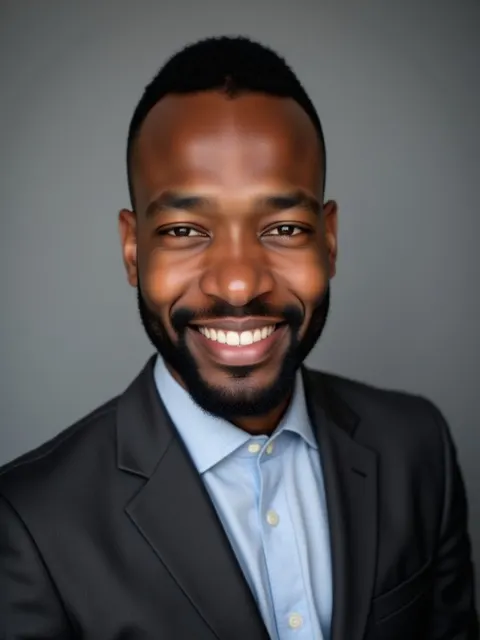
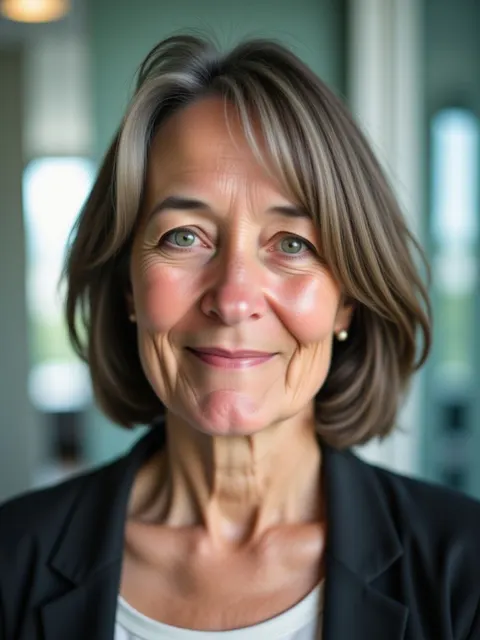
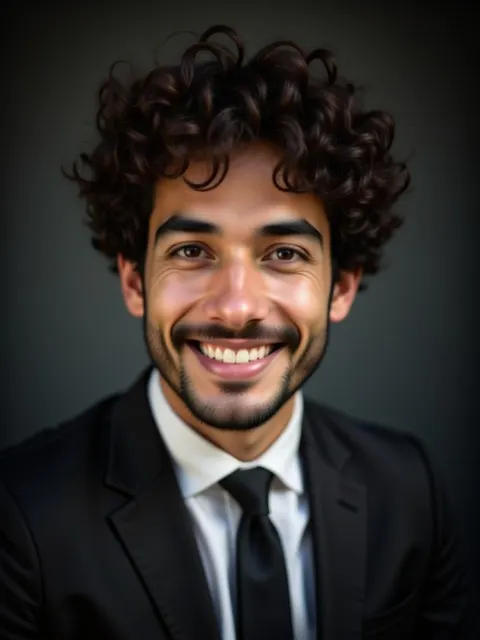
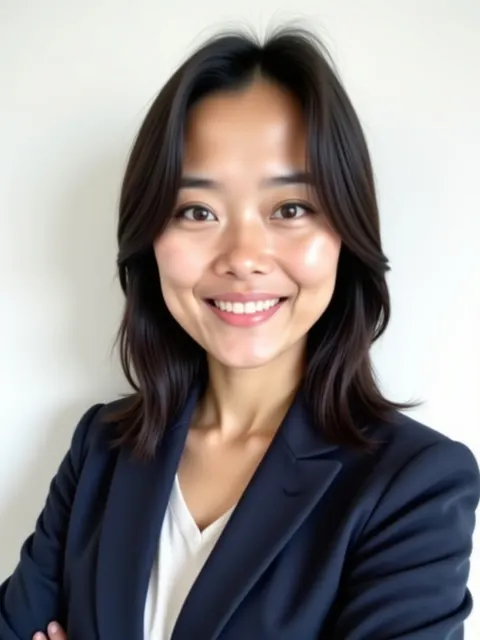
The included looks offer studio and office options, including gray studio, bright white studio and dark executive. They are starting points for selection; they do not guarantee a precise background, outfit or match with colleagues.
- Compare with your current appearance. Review facial features, skin tone, hair and glasses. Discard an image that would make you difficult to recognize at a meeting.
- Inspect generated details. Zoom in on collars, lapels, jewelry, glasses and background elements. Reject invented logos, badges, text or other details that suggest a role or affiliation you do not hold.
- Test the firm layout. Preview the image at the size and crop used on the profile page. A portrait that works at full size may crop poorly in a circle.
- Review the full material. Place the portrait beside the actual biography, title and contact information. Make sure the surrounding text is accurate and the image does not imply something the text cannot support.
- Route the draft appropriately. If your firm or destination has a review process, send the actual proposed use, not just the standalone photo. Include the intended placement and any questions about AI images.
- Keep a fallback. If the image or destination is unsuitable, use an approved existing photograph or arrange a new one.
For a team page, compare the candidates together. Similar looks may still differ in lighting, background, clothing and framing.
Prepare and review your selfies
Upload 8–20 recent photos of yourself. Use even light, include several forward-facing views and a few slight angle changes, and keep your face clearly visible. Replace group photos, heavy filters, blur and deep shadows. If you normally wear glasses, choose clear inputs and inspect the generated frames and eyes.
The selfie guide includes a practical shot plan. Good inputs can help, but they do not guarantee an accurate result. Review each image before sharing it.
Each paid order includes one redo, requestable from your results page within 7 days of purchase if the headshots don't look like you; see the refund policy.
Common errors
- Assuming a headshot is approved everywhere. Check the actual firm, platform or publisher policy.
- Sending only an isolated image for review. The proposed page or brochure gives reviewers the relevant context.
- Choosing a background before checking likeness. The portrait should represent you accurately.
- Overlooking invented details. Inspect clothing, logos, text and accessories at a larger size.
- Sending a file straight to print. Give the designer its 768 × 1024 dimensions and ask whether they meet the project's needs.
- Using an AI image for a credential. Follow the issuing body's photo instructions instead.
When to choose a photographer
A photographer is preferable if your firm or destination requires a real photograph, or if you need a controlled setting and coordinated portraits. Choose one for in-person direction, a genuine workplace image or print files tailored to a designer's specifications. Share the actual brand brief and intended uses before booking. A related page: AI headshots for mortgage loan officers.
Frequently asked questions
Does my firm need to approve the image?
That depends on your firm and the material. Ask the person responsible for the relevant review process.
Can I use an AI portrait on a directory?
Check that directory's current policy and submission instructions. Acceptance is not guaranteed.
Will the photo match my colleagues' backgrounds?
A shared look does not guarantee matching backgrounds, lighting or framing. Review the images together.
How long does it take?
Usually about an hour, but timing is not guaranteed.
Where are the policies?
See privacy, terms and the refund policy.
$39 once for 40 images in 10 looks, from 8–20 selfies. Review the terms, privacy policy and refund policy first.