

Updated November 7, 2026 · 6 min read
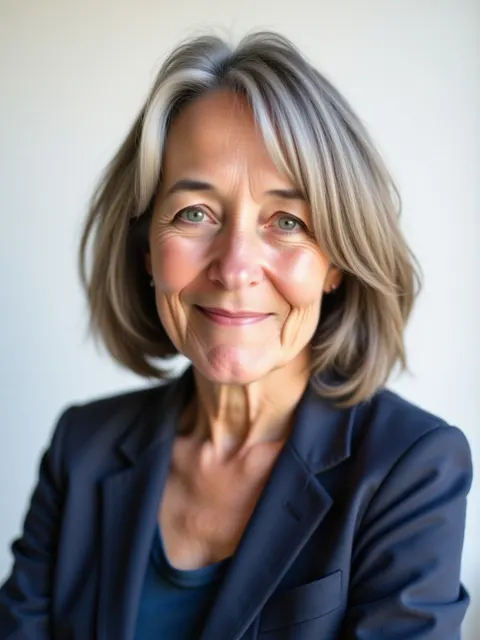
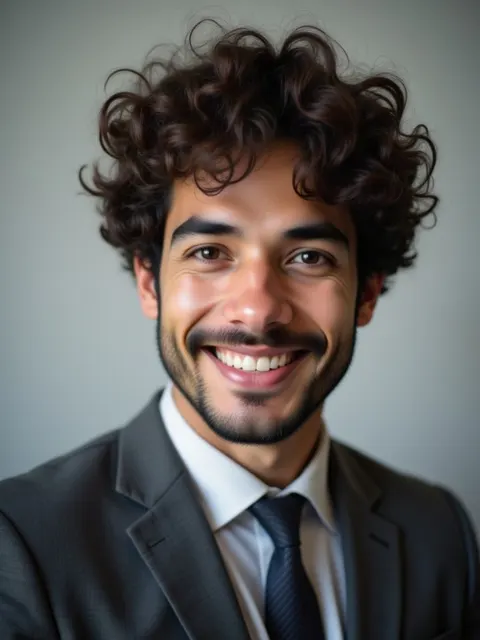
An individual order costs $39 once and includes 40 images in 10 looks. Upload 8–20 selfies; results are usually ready in about an hour, though timing is not guaranteed. Each image is 768 × 1024 pixels.
Start with the destination
Before choosing a portrait, list the places where it might appear. A provider profile may need a close crop; a conference biography may leave more room around your shoulders. A practice website may have its own photo guidance.
Ask the person responsible for each page:
- Does the destination permit AI-generated portraits?
- Does it specify a crop, background, clothing or disclosure?
- Will the image be displayed beside other providers' photos?
- Who reviews and uploads the final selection?
- If the image will be printed, what dimensions and resolution does the designer need?
Check each destination's current policy. A Fylvy image is not automatically accepted simply because its dimensions fit.
Do not use AI-generated images for identification or credentials, including a hospital ID badge, license or other official identity document. Follow the issuing organization's instructions for an appropriate photograph.
Build a provider-profile shortlist
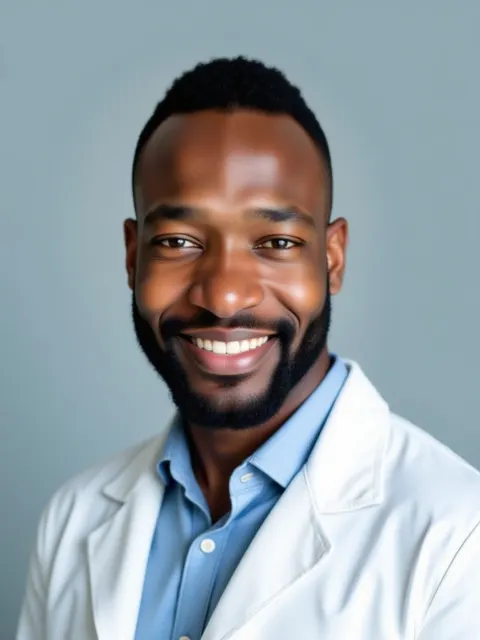
Fylvy includes a medical/professional look as well as studio and office options. Start with a few candidates rather than assuming the medical look is the right one for every role.
- Check your face first. At a comfortable viewing size, compare facial features, skin tone, hair and any glasses with your current appearance. Discard images that change them noticeably.
- Inspect clinical clothing. Look closely at coats, collars, pockets, badges and any text or symbols. Discard a result that suggests a title, affiliation or clinical role you do not hold, or contains distorted details.
- Consider the setting. A generated clinical setting is not a photograph of your actual workplace. Avoid a result that could mislead someone about your facilities or affiliation.
- Try the actual crop. Preview a square or circular crop if the directory uses one. Check that your face remains visible and that the crop does not cut awkwardly through your head or shoulders.
- Review in context. Place the candidate beside your name and biography in a draft page. Ask the practice's page owner to review it against their guidance before publishing.
A plain studio or office image may be easier to use if generated clinical clothing introduces details that do not represent you.
Prepare your selfies
Choose 8–20 recent photos of yourself in even light, with your face clearly visible. Include mostly forward-facing views and a few modest changes of angle and expression. Replace blurry, very dark, filtered or group photos. If you normally wear glasses, choose images where glare does not hide your eyes.
Use photos that reflect your current appearance. The selfie guide offers a shot plan and an accept-or-replace checklist. Do not include patients or other people in your upload.
After receiving your results, review each candidate individually. AI can alter features and clothing even when the source selfies are clear. Each paid order includes one redo, requestable from your results page within 7 days of purchase if the headshots don't look like you; see the refund policy.
Common mistakes to avoid
- Choosing by background before likeness. A tidy background cannot compensate for a face patients would struggle to recognize.
- Treating generated clothing as evidence of a role. Inspect it for invented badges, text and insignia.
- Assuming all directories have the same rules. Confirm AI-image and crop policies separately.
- Waiting until a deadline to test the file. Allow time for review and, if needed, another approach.
- Using a portrait as an official identity photo. AI images are unsuitable for IDs and credentials.
When a photographer is preferable
Choose a photographer when your organization requires a camera-captured likeness, a specific clinical setting, an accurately represented uniform or controlled lighting across a group. A photographer can also give individual direction and produce files for a print job with requirements beyond this 768 × 1024 output. Share the destination's specifications before booking. For a related workflow, see AI headshots for therapists and counselors.
Frequently asked questions
Will every result look like me?
No. Review the images carefully and select only one that represents you accurately. Redo terms are in the refund policy.
Can I use the medical look on a provider directory?
Check that directory's policy and your organization's guidance first. Inspect generated clothing and background for misleading details.
Is the turnaround guaranteed?
No. Results are usually ready in about an hour, but timing can vary.
Where can I read the policies?
See privacy, terms and the refund policy.
$39 once for 40 images in 10 looks, from 8–20 selfies. Review the terms, privacy policy and refund policy first.