
Updated November 7, 2026 · 6 min read
Fylvy is for adults 18+ only. Do not upload photos of anyone under 18; see the terms.
An individual order costs $39 once and includes 40 images in 10 looks. Upload 8–20 selfies. Results are usually ready in about an hour, but timing is not guaranteed. Images are 768 × 1024 pixels. A photo is only one part of an application. It cannot replace a clear résumé, relevant work or thoughtful preparation.
First decide whether you need a photo
Not every application asks for one. Read the employer's instructions and consider local expectations before adding a portrait to a résumé or application. If no photo is requested, you can keep the space for your experience, education and relevant work.
Make a list of the places where you do want a picture:
- Portfolio or personal site: Preview the portrait alongside your work and biography.
- Networking profile: Check the platform's photo and AI-image policies, then test its small profile crop.
- Career event or student organization: Ask the organizer what they will display and whether they accept AI-generated images.
- Application form: Follow the employer's instructions rather than assuming an image is wanted.
Check each destination's current policy before uploading. AI-generated images are unsuitable for IDs and credentials, including student identification, visas, licenses or other official identity documents.
A job-search photo selection exercise
You may be applying to several kinds of roles. Instead of trying to look like a different person for each one, start with a portrait that represents you now.
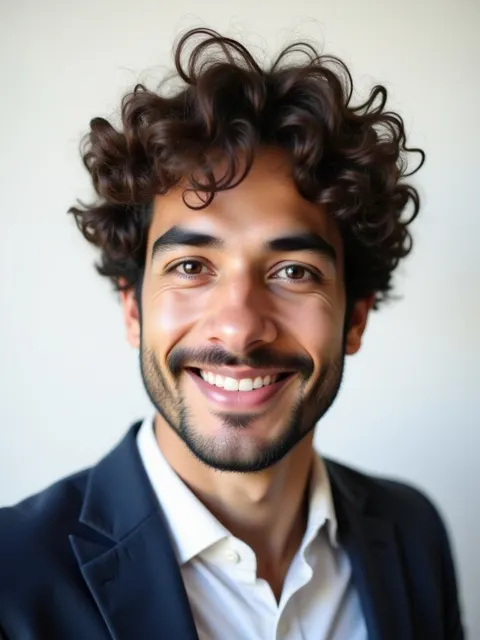
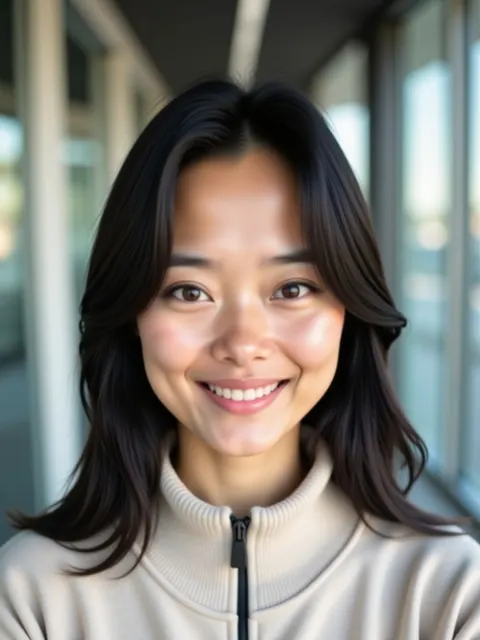
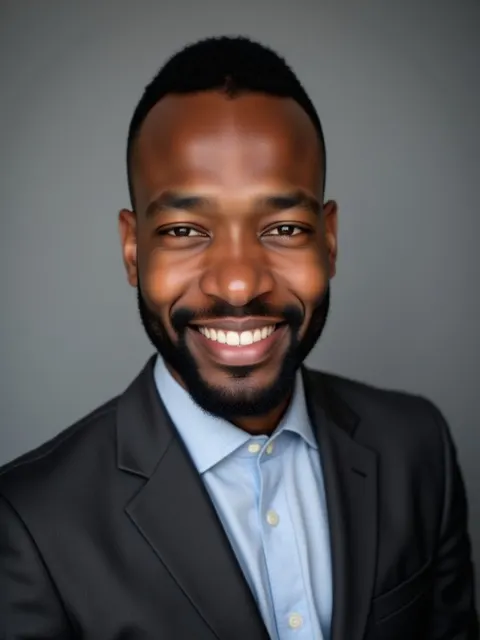
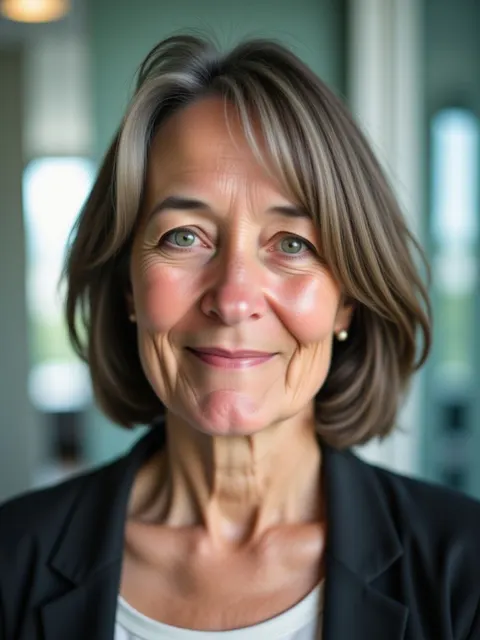
- Choose three candidates. Consider a plain studio image and, if useful, a more relaxed office or casual image from the available looks.
- Run the recognition test. Compare each with your current face, hair, skin tone and glasses. Would someone meeting you on a video call recognize you? Set aside images that alter your features.
- Inspect the details. Look for strange glasses, earrings, collars, teeth or background elements. A small thumbnail can hide problems that become obvious on a larger page.
- Test a small crop. Preview a square or circle with your face visible and space around your head. Avoid a crop that cuts into your hair or chin.
- Preview the whole page. Put the photo next to your name and work. Select an image that feels appropriate for that specific use rather than following a rigid rule about what an industry must wear.
- Keep a backup. Save another accurate candidate for a different crop. If a destination rejects AI images, use an accepted camera-captured photograph instead.
You do not have to use every image. If none feels accurate, do not force a choice.
Prepare your source photos
Upload 8–20 recent photos of yourself. Find even light, such as near a window, and include a mix of forward-facing images and slight changes of angle. Keep your face in frame and visible. Replace group photos, strong filters, dark images and blurry shots.
Use your current appearance as the guide. If you normally wear glasses, choose source images where your eyes are visible and check the generated frames carefully. The selfie guide gives you a practical shot plan and a checklist.
AI may change features even with clear inputs. Each paid order includes one redo, requestable from your results page within 7 days of purchase if the headshots don't look like you; see the refund policy.
Common mistakes
- Adding a photo automatically to every résumé. Read the application instructions and consider local context first.
- Picking the most formal image regardless of likeness. An interviewer should be able to recognize you.
- Assuming an AI portrait is accepted. Check the employer, event or platform's policy.
- Leaving the image review until an application deadline. Results usually arrive in about an hour, but delivery is not guaranteed.
- Using a generated portrait for identity verification. Obtain the required real photograph instead.
When a photographer is a better choice
Choose a photographer if an employer or organizer requires a camera-captured image, if you want personal direction, or if your portfolio needs portraits in a real setting. Your school or career center may also have photo resources worth asking about before you spend money. If you need a large print, give the photographer or printer the intended dimensions. A related page: AI headshots for software engineers and tech.
Frequently asked questions
Should I put a photo on my résumé?
Follow the application instructions and consider local expectations. If one is not requested, you can use the space for information relevant to the role.
Can I use an AI portrait on a job platform?
Check that platform's current policy and choose an image that looks like you. Acceptance is not guaranteed.
What if I do not like the results?
Review the refund policy, which sets out the redo and refund conditions. Dissatisfaction alone does not guarantee a redo or refund.
Adults 18+ only. $39 once for 40 images in 10 looks, from 8–20 selfies. Review the terms, privacy policy and refund policy first.